Agents & runtimes
onestation finds the coding agents you already run. Where an agent runs decides whether you can answer it from onestation or only watch it.
Supported agents#
- Claude Code
- Codex
- Pi
- OpenCode
- Gemini CLI
- Aider
- Amp
- Grok
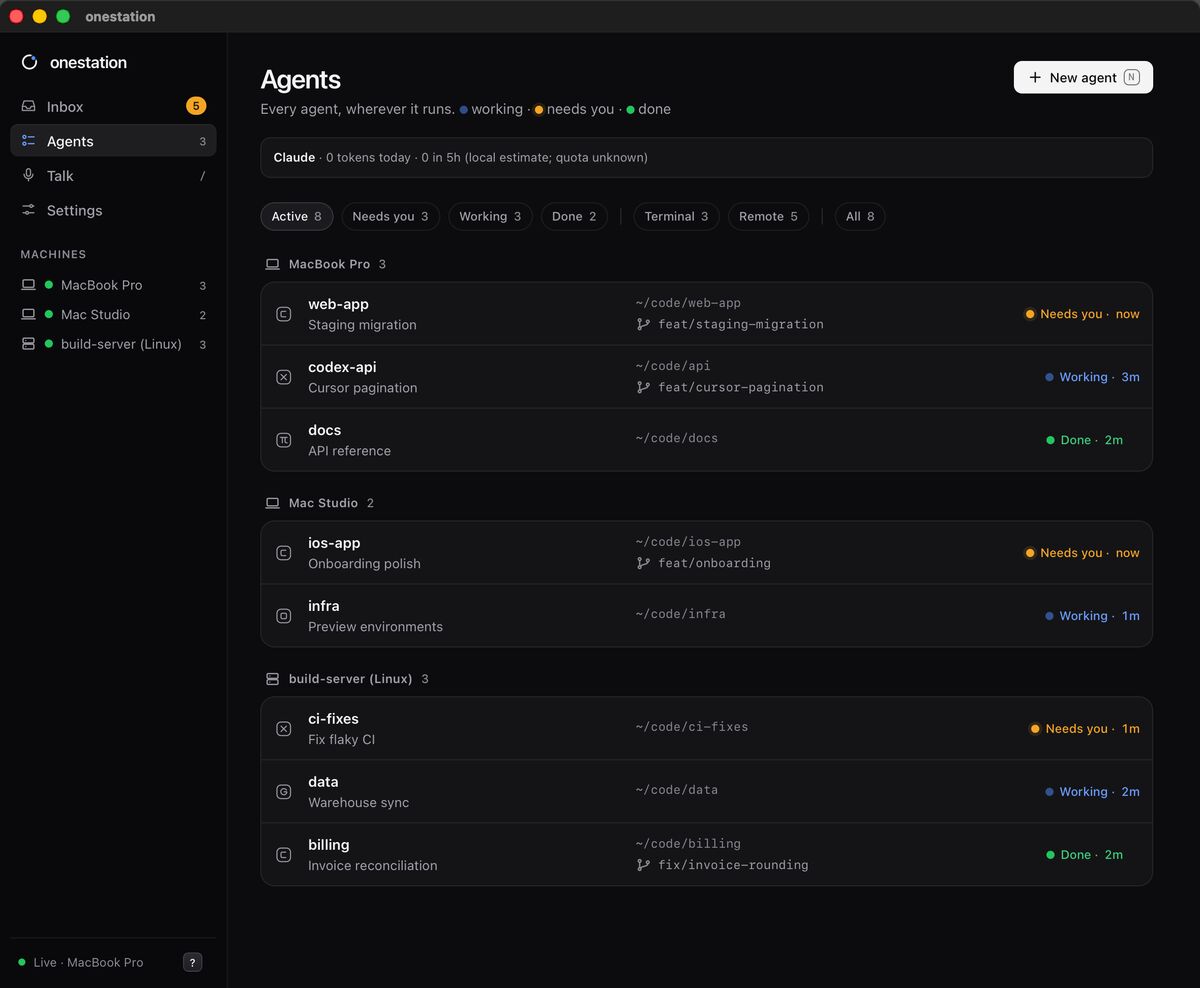
Start them the way you always do. A running agent shows up in the pill and the Agents view within seconds, with its machine and project folder.
Answer or watch only#
| Where the agent runs | What you can do from onestation |
|---|---|
| herdr | Answer, type replies, message, interrupt, kill, jump to it |
| tmux | Answer, type replies, message, interrupt, kill, jump to it |
| A plain terminal window | Watch status and questions. Answer in its own window. Marked watch only |
onestation never types into a terminal it doesn’t control. To answer a watch-only agent from the Inbox, move it into herdr (below) or start it inside tmux.
herdr (recommended)#
herdr is a terminal workspace that keeps agents running after you close the terminal window, so onestation can reach every one of them.
- Install it from the setup guide. It takes about a minute, goes to
~/.local/bin, needs no administrator password and doesn’t edit your shell profile. - When herdr is installed, new agents you start from onestation open in a herdr session named
onestation. - Type
herdrin any terminal to see every agent side by side, including the ones you started from your phone.
tmux#
Without herdr, new agents start in tmux, and agents you already run in tmux are picked up automatically. Jumping to an agent selects its tmux window and pane and brings the terminal app hosting it to the front: Terminal, iTerm, Ghostty, WezTerm or kitty.
Moving agents into herdr#
The herdr step of the setup guide lists Claude Code, Codex and Pi agents running in plain terminal windows and offers to bring them over.
- Idle agents reopen in herdr with the exact same conversation. Only after herdr confirms it is ready is the original agent stopped. Its terminal window stays open.
- Busy agents stay where they are until they finish. Nothing is typed into them.
- If anything is uncertain, the agent is skipped and keeps running. A failed move leaves the original untouched.
The summary shows what came along, what was busy and what couldn’t move. To run it again later: onestation
Start a new agent#
Press N anywhere in the app, or click New agent in the Agents view. Pick the folder and the agent; it starts in herdr, or tmux if herdr isn’t installed. You can also describe the task in Talk and let onestation start one. Recent Claude Code and Codex conversations for a folder can be resumed from the Agents view.
Agents on other machines#
Agents on Linux servers and other Macs appear next to local ones once you add the machine. See Machines & servers.
Still stuck?Email us with what you tried. A person reads every message, usually within one working day (CET).
Email support